Appearance
Print labels — From a list
Press Labels, then choose From a list.
- Open any CSV — a patch, a cable schedule, a loom list.
- One row becomes one label. A column named Socapex stays Socapex.
- Press Print labels.
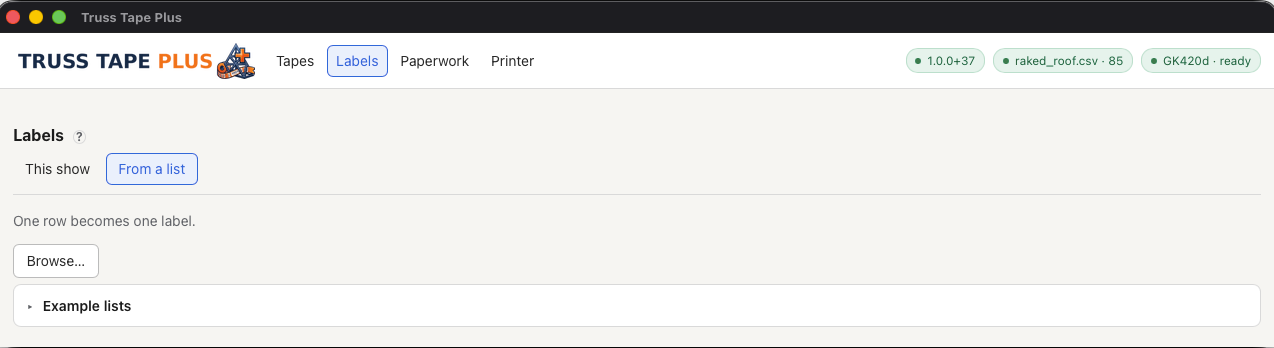
From a list is a second job: open it, print it, close it. It does not replace the show open on Tapes.
Patch, cable, and loom schedule starters are covered in Label styles — what sticks where.