Appearance
Open a file
On Tapes, press Open… and choose a CSV from Vectorworks, Lightwright, or a spreadsheet. You can also drop the file on the page.
File → Open… (⌘O) does the same thing.
The positions are on the left. Click one.
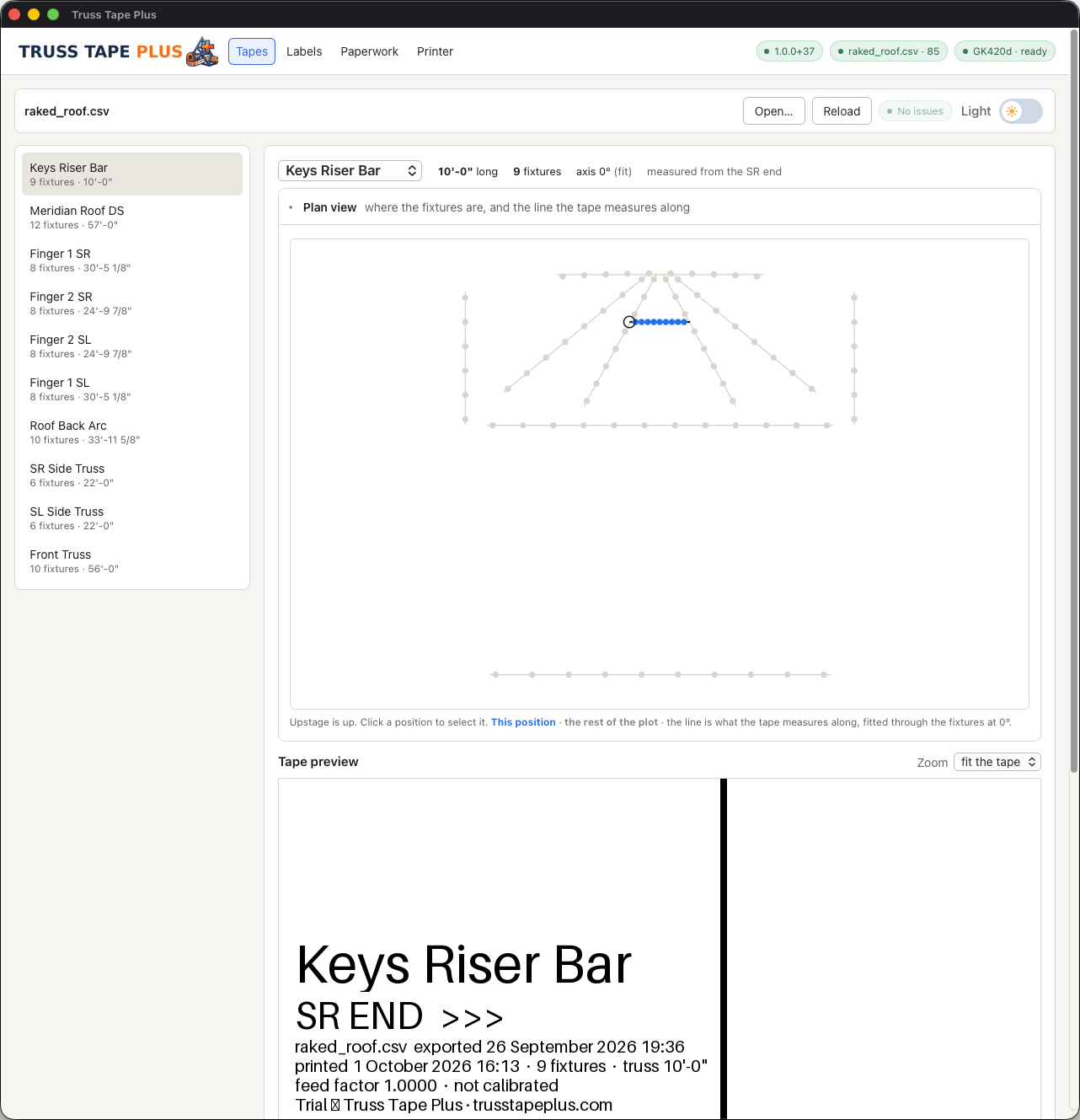
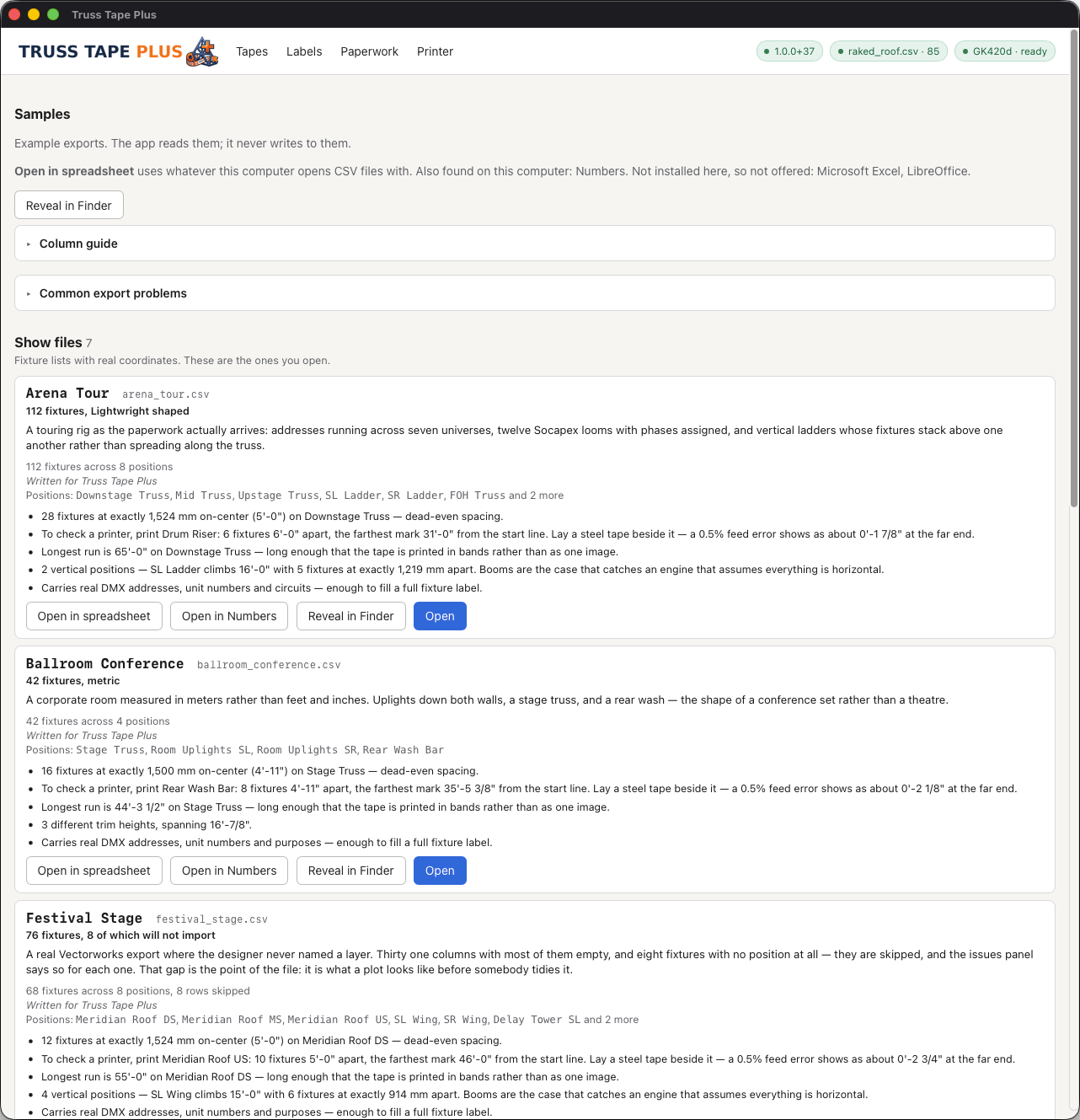
Or choose File → Samples and open an example plot. That is the way to see a tape before you use your own export.
If the app does not recognize the columns, it opens Column Mapping and asks you which column is which.