Appearance
Print a tape
- Pick a position on Tapes.
- Under Print this tape, press Print tape.
File → Print… (⌘P) does the same thing.
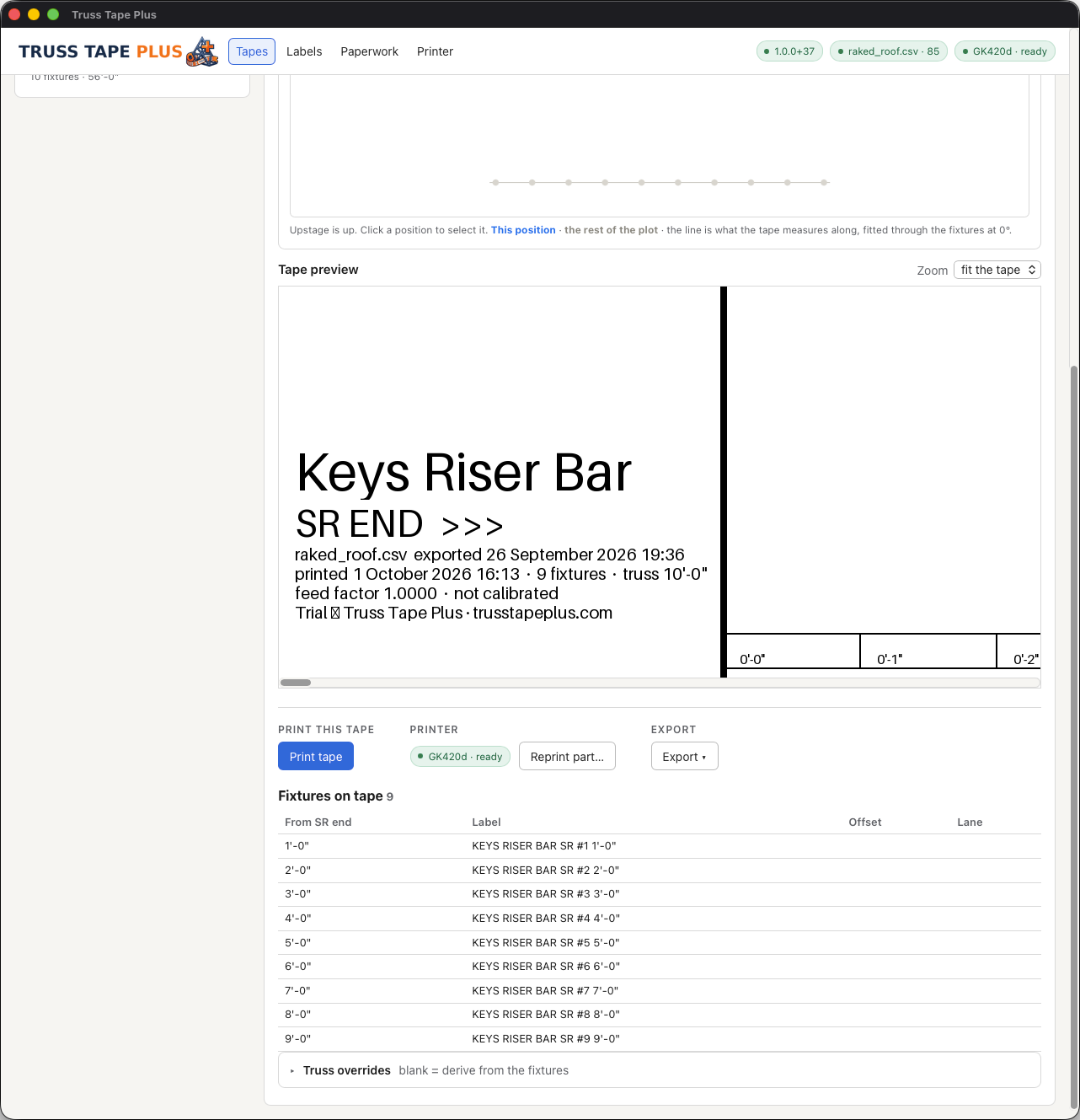
The tape is 1:1. Stick it along the truss and hang off the marks.
No thermal printer? Use Save as PDF….
Hang tape formats live here on Tapes. Fixture, cable, and loom labels are a different Style menu under Labels — see Label styles — what sticks where.
If nothing prints
- Confirm a hang-tape printer is connected — Printer should show a model from Truss Tape Printers, not only a label printer.
- Check the roll width matches Paper width.
- Still stuck? Connect it again, or use Save as PDF….