Appearance
Channel Hookup / Instrument Schedule / Shop Order
Open Paperwork.
Paperwork uses the same fixtures as the open file on Tapes. If no file is open, open one first.
- In Sheet, choose Channel Hookup, Instrument Schedule, or Shop Order.
- Choose Page — Letter or A4.
- Optionally change Order (channel, unit, position, or instrument type).
- Under Choose which fixtures, tick the rows you need.
- Under Columns, tick the columns to print under their own names.
- Press Print…, Save PDF…, or Export CSV.
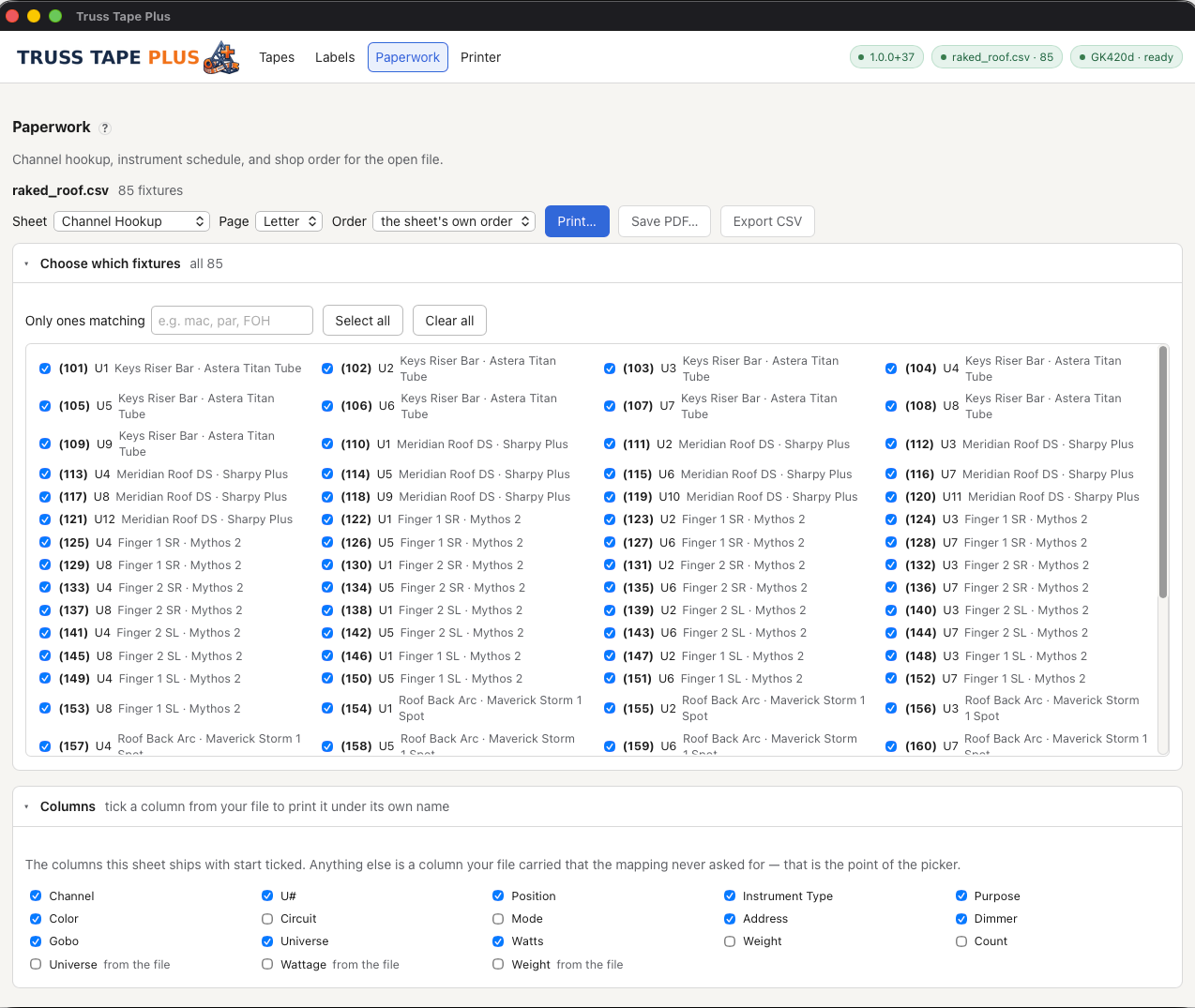
Channel Hookup, Instrument Schedule, and Shop Order are the three built-in sheets. The columns each sheet starts with are ticked; anything else is a column your file carried that mapping never asked for.