Appearance
Print labels — This show
Press Labels.
- Choose This show.
- Pick a position. You get one label per fixture.
- Untick the ones you do not need.
- Press Print labels.
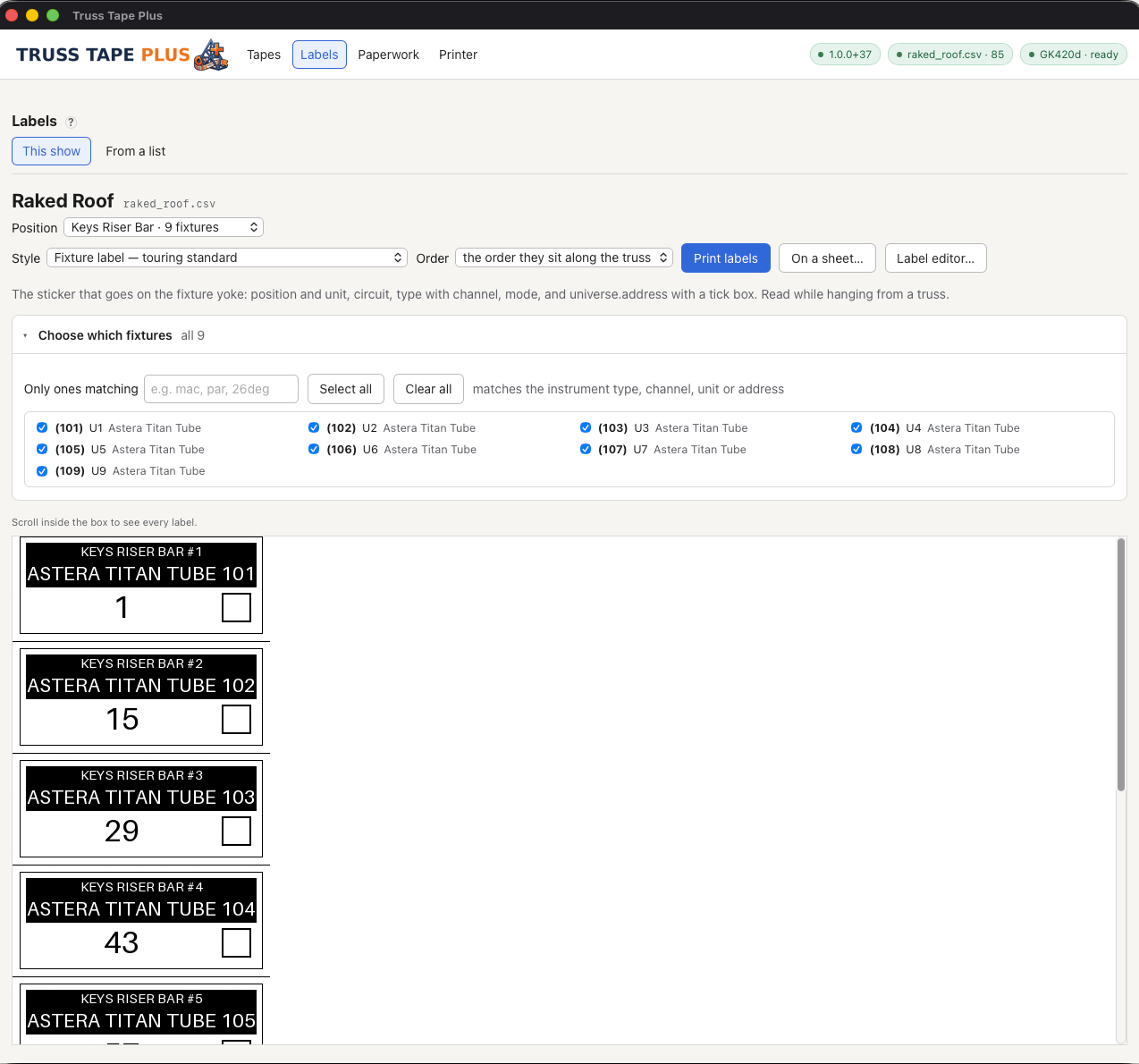
This show uses the file you already opened on Tapes. The show stays open, so its labels are the page you land on.
For what each Style sticks on and what lines print, see Label styles — what sticks where.
Print dialog sizes lean touring. The fixture default is 4×2 (not shipping 4×6).