Appearance
Settings…
On Mac, open Truss Tape Plus → Settings… (⌘,). On Windows, open File → Settings….
The side list has four panes:
- Appearance — tape look and the Light / Dark toggle. The Label editor link opens Label Editor.
- License — Start trial, Enter license key, and license status for this computer.
- Devices — which computers share this license.
- Advanced — less-used controls. Leave them alone unless you know why you need them.
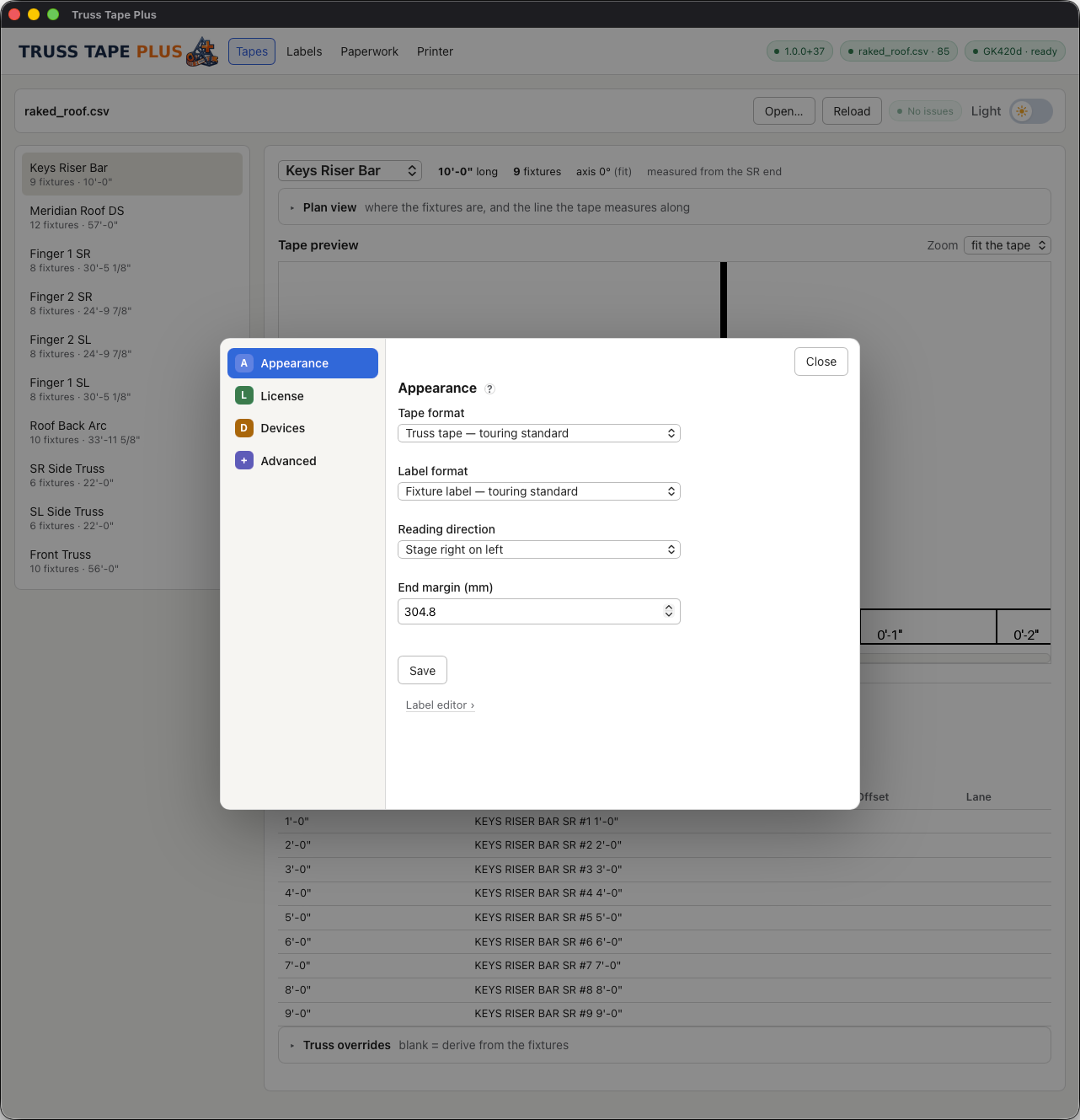
Press Close to leave Settings.