Appearance
Open the app
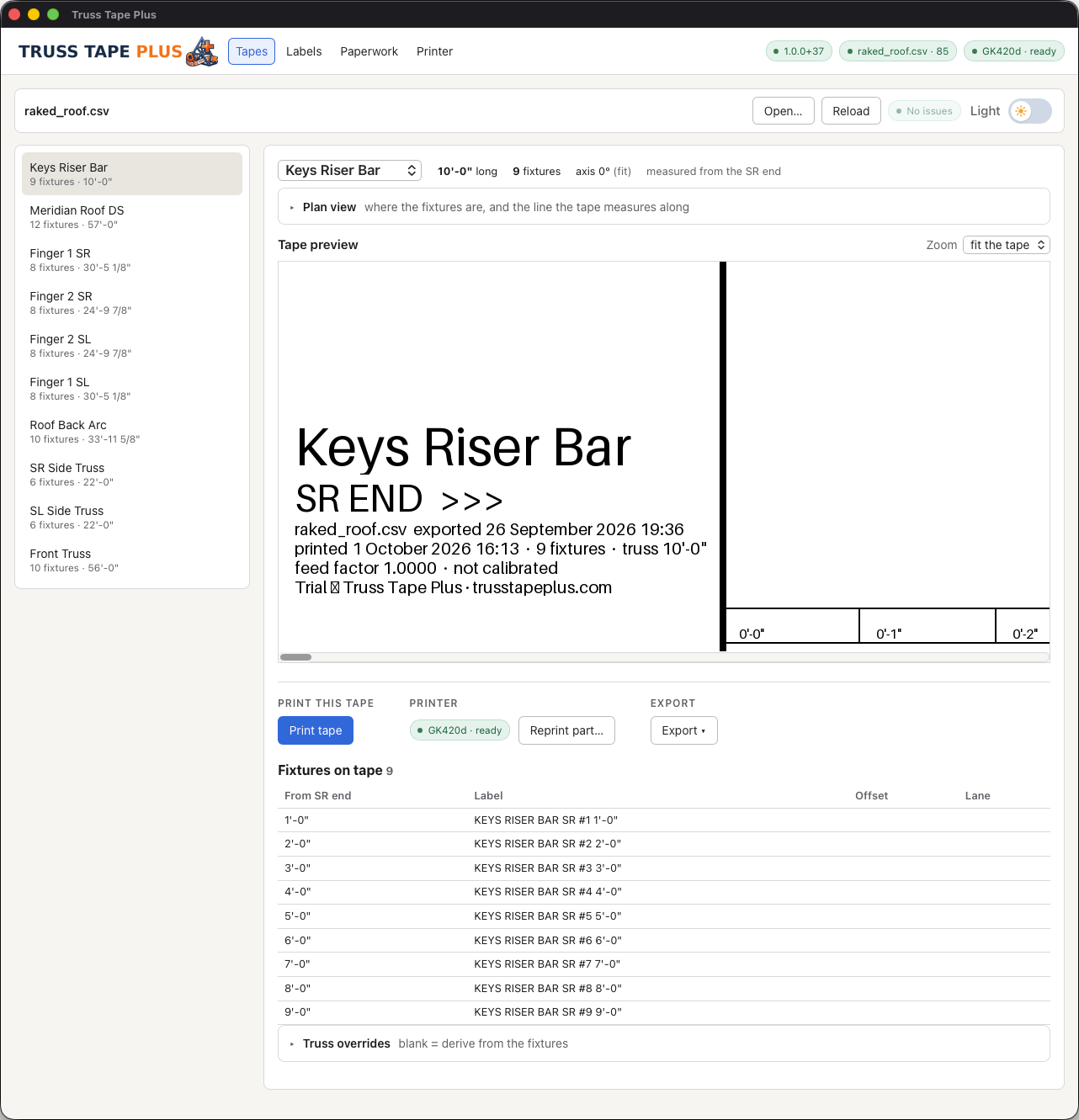
Open Truss Tape Plus from Finder → Applications. Not Launchpad.
It opens in its own window, not a browser tab. The Dock icon means it is running. Click the Dock icon to bring the window back.
Close vs Quit
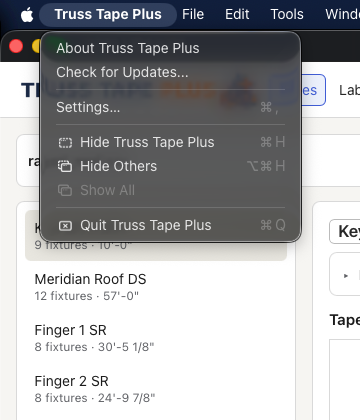
Close (the red window button, or File → Close, or ⌘W) hides the window. The app keeps running. The Dock icon stays.
Quit stops the app. Choose Truss Tape Plus → Quit Truss Tape Plus, or press ⌘Q.
Help → Guide opens this user guide in your web browser, beside the app window.
You do not need the internet to print.