Appearance
Calibrate
Two printers of the same model do not feed paper at the same speed. One percent short is about five inches on a forty-foot truss.
On Printer, under Calibration — or during setup on Calibration — make the tape true:
- Press Print the 3'-0" calibration strip. A strip about 3 feet long comes out, with a line marked START and a line marked END.
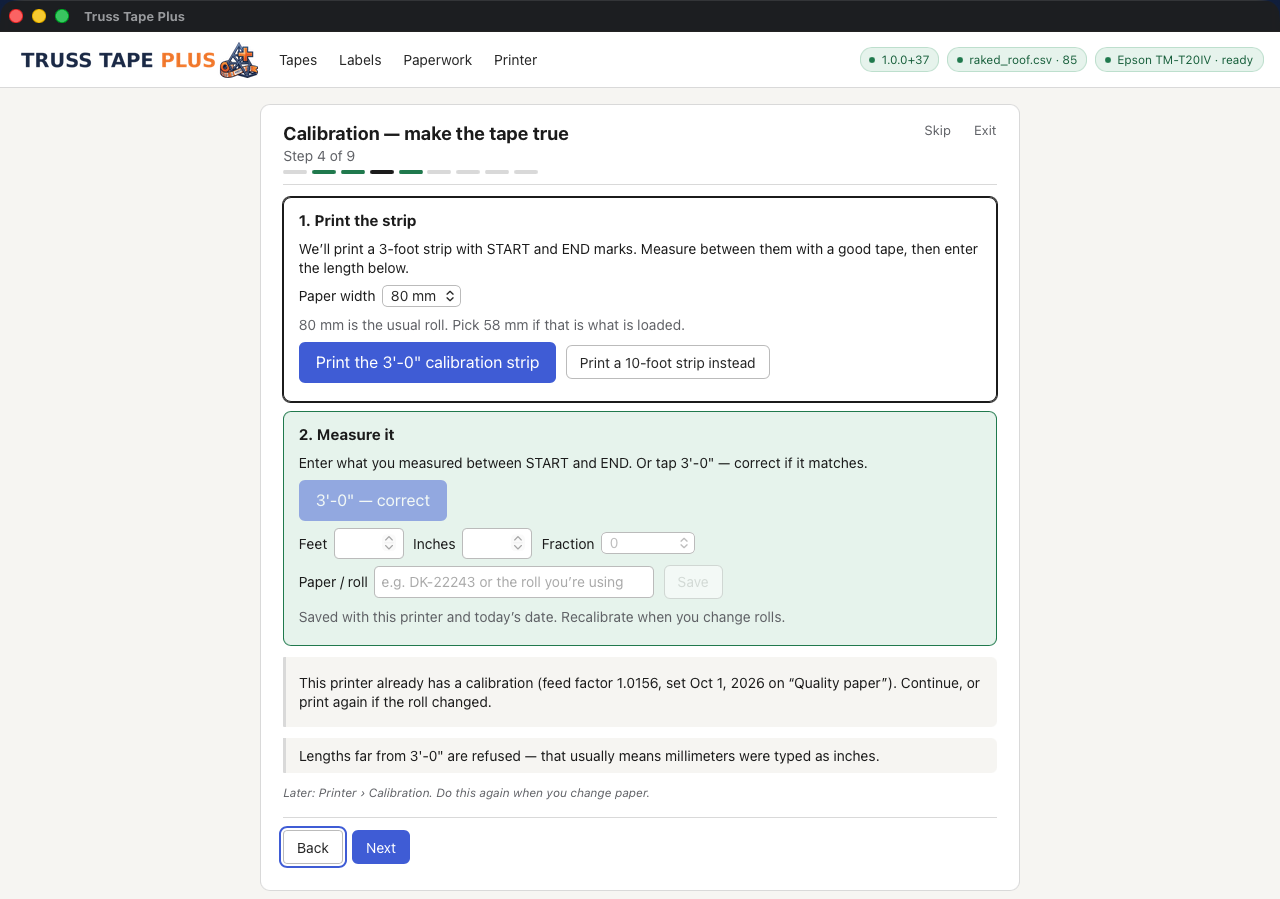
Measure START to END with a tape measure.
If it matches, press 3'-0" — correct. If it does not, enter feet, inches, and the fraction, type the roll name in Paper / roll, then press Save.
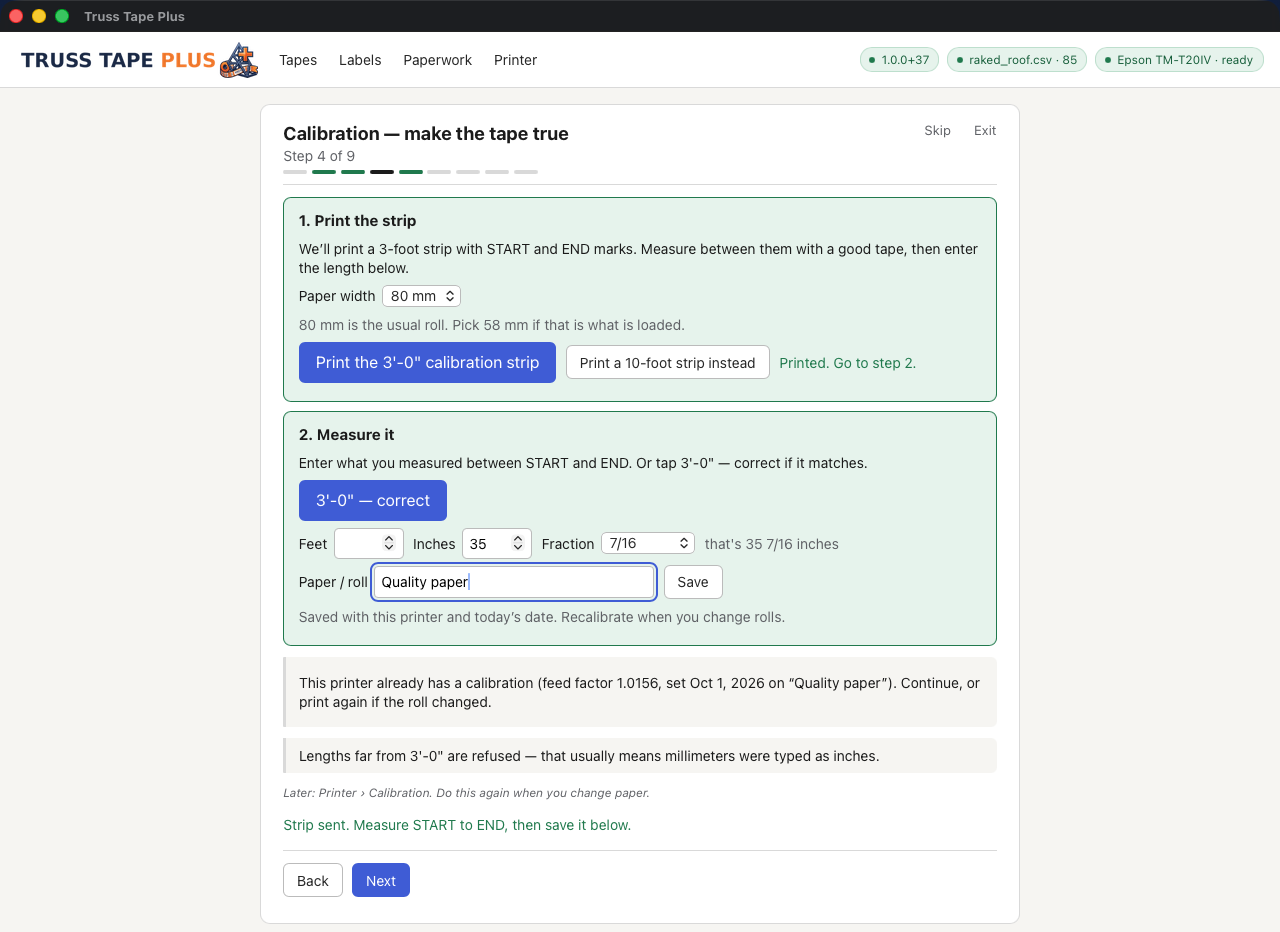
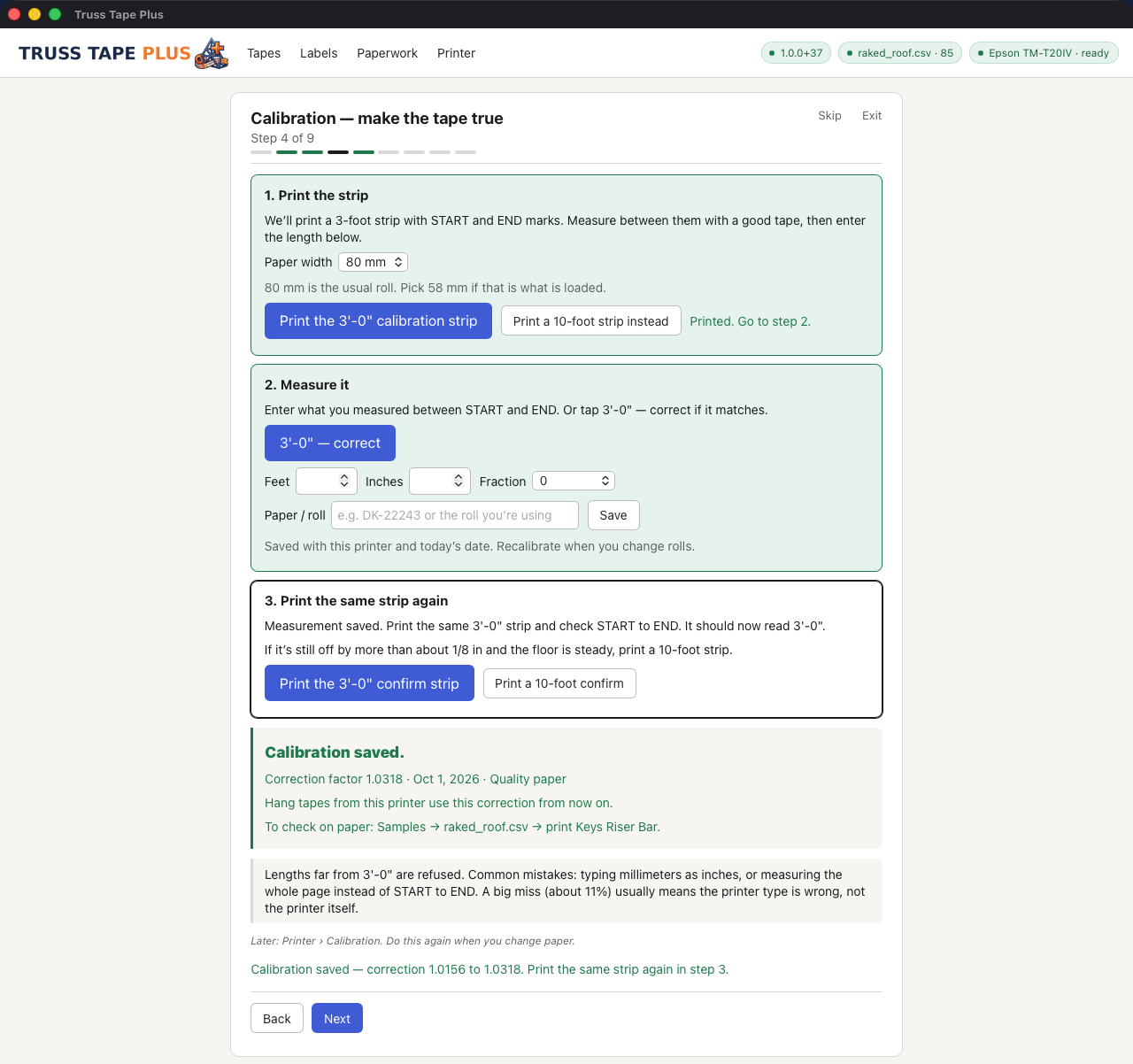
- Print the strip again. START to END should now be the length you asked for.
Check the roll before you print. If the paper is a different width than Paper width, the printer stops with a red light and prints nothing. The app is not told why.
The correction belongs to that roll. Do this again when you change paper.
On Printer, Test print reprints the hang-tape length strip (measure START to END) when a hang-tape printer is selected.
TIP
Feet can stay empty. If the tape says 35 inches and 9/16, type that. Do not convert it to a decimal.
If length is still wrong
- Re-measure START to END — not the whole scrap of paper.
- Check Paper width matches the roll in the printer.
- A new roll needs a new correction.
- Still off? See When the length is wrong.