Appearance
Install Truss Tape Plus
What you’ll need
License or trialA license key or a trial
Mac for this guideThis guide is for Mac
Hang-tape pathAn Epson-class printer on the Wi-Fi / local network — or a plan to Save as PDF…
Tape measureFor the 3′-0″ calibration strip
Optional labelsZebra or Brother plus the right stock family — see Which stock for what
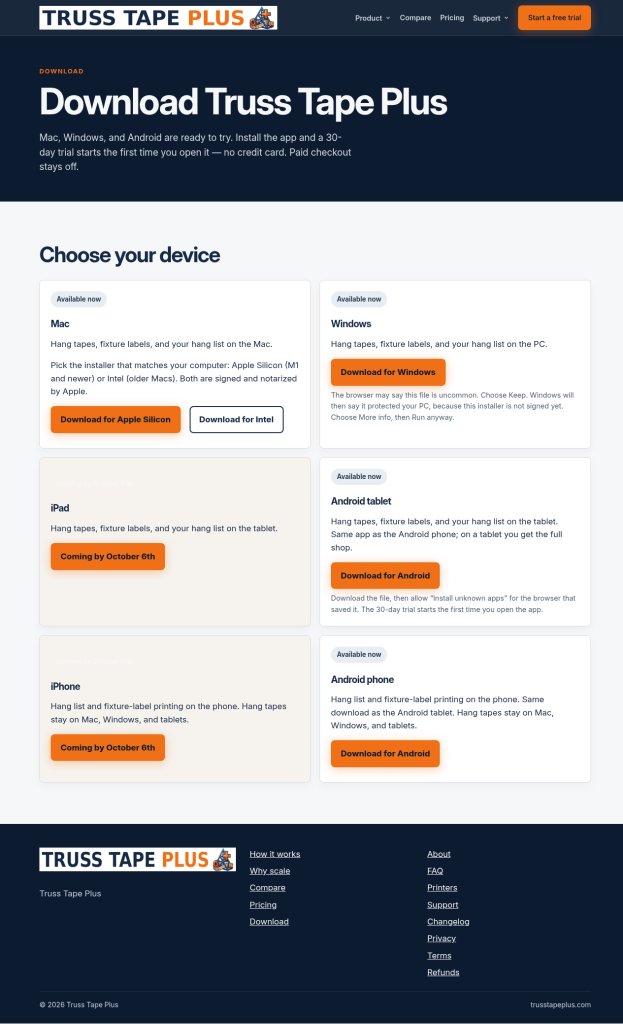
Download the Mac installer from trusstapeplus.com/download.
Pick the package that matches this Mac:
- Apple Silicon — current Macs (M1, M2, M3, and later). Use the Silicon
.pkg. - Intel — older Macs with an Intel chip. Use the Intel
.pkg.
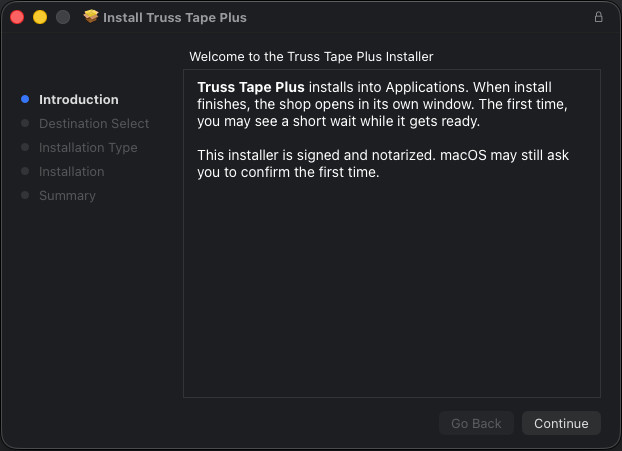
Open the .pkg and follow the installer. Truss Tape Plus goes into Applications.
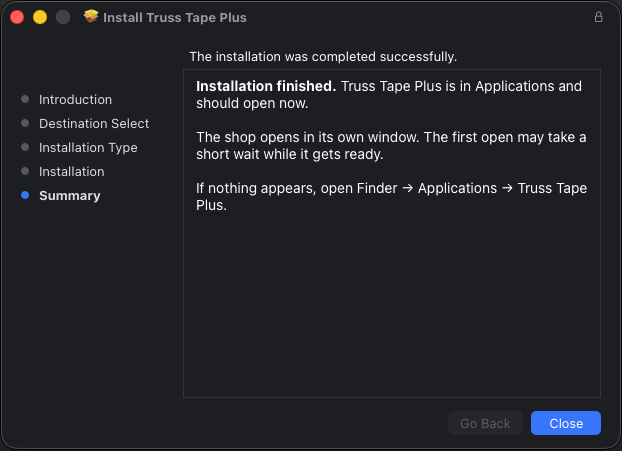
When install finishes, the app should open in its own window. If nothing appears, open Finder → Applications → Truss Tape Plus.
If macOS blocks the first open
The installer is signed and notarized. macOS may still ask you to confirm the first time.
- If a dialog says the app cannot be opened, close that dialog.
- In Finder, open Applications.
- Control-click Truss Tape Plus, then choose Open.
- In the next dialog, choose Open.
After that, a normal double-click opens the app.
You do not need the internet to print after install.
Phone vs full shop
iOS and Android phone editions cover the hang list and fixture labels — not the full hang-tape shop. Tablets and desktop keep the full shop.