Appearance
Manual Tape / Import Eos CSV…
Open File → Manual Tape.
Type or paste a fixture list when you do not have a plot export. It is saved as CSV and opened like any other file. The ruler stays on the tape.
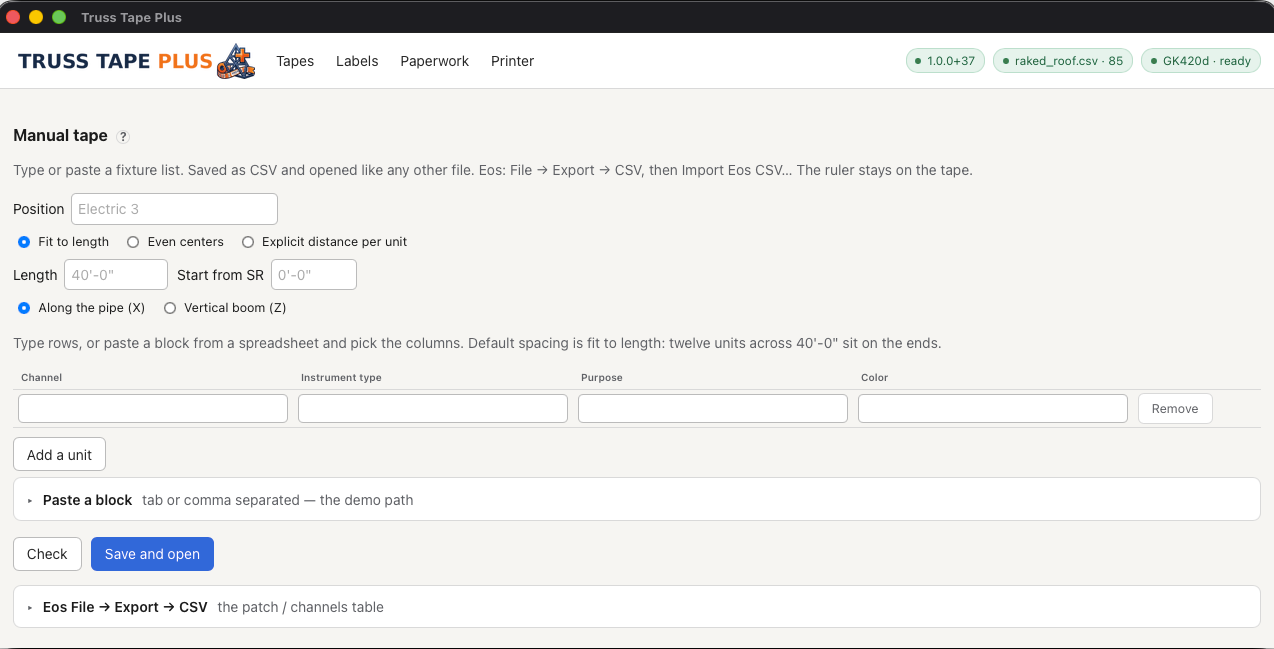
Import Eos CSV…
- In Eos, use File → Export → CSV.
- In Truss Tape Plus, on Manual Tape, press Import Eos CSV….
- Choose the exported file.
The imported list becomes the open show. Map columns if the app asks, then print from Tapes.